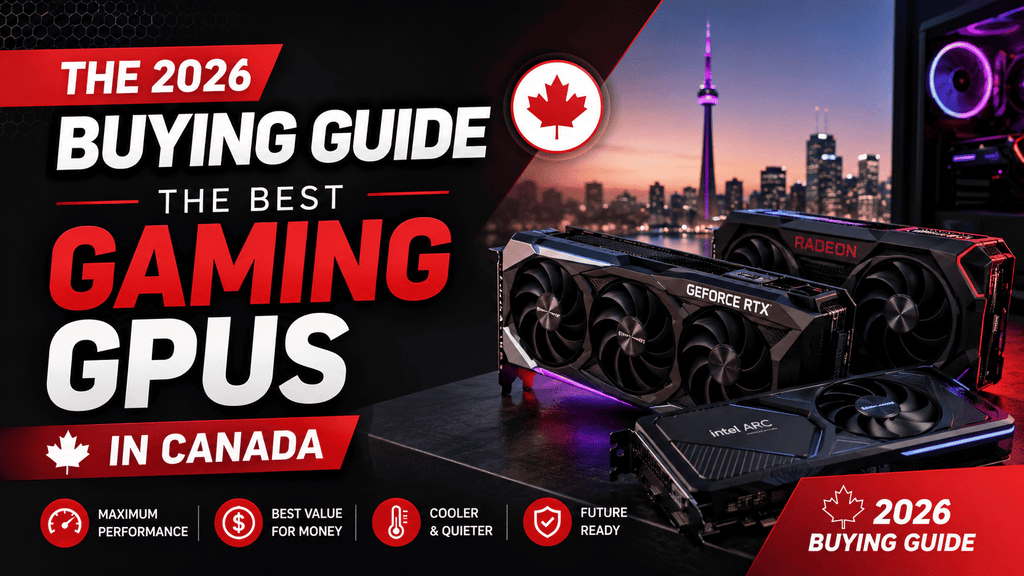
The 2026 Buying Guide lists the best gaming GPUs in Canada
The year 2026 has become one of the most interesting ones in a while to buy a GPU. At the moment, Nvidia's RTX 50 series (Blackwell), AMD's RX 9000 series, and Intel's Arc "Battlemage" cards are all fighting. This means that there is a good card for almost every budget; you just need to find one that fits your resolution and your budget.
The market is broken down in this guide based on what matters most: the resolution you play at. One very common (and pricey) mistake gamers make is buying more GPU than their monitor can handle.
Before you decide, take a look at our full selection of in-stock graphics cards at beavercomputers.com. Prices and availability change often, so it's a good idea to compare this guide to what we currently have in stock.
How to Pick the Correct Level
1080p: This is Full HD, and you don't have to spend a lot of money. Most games at this resolution can easily go well over 100 frames per second on entry-level and budget cards.
Most PC gamers find 1440p (Quad HD) to be the best resolution right now. It's a noticeable improvement over 1080p without requiring top-of-the-line hardware.
4K (Ultra HD): Only the best cards can consistently handle 4K Ultra settings, especially when ray tracing is turned on.
Besides resolution, here are some other specs you should know about before you buy:
VRAM: For 1080p, 8GB is now the bare minimum. For 1440p, 12GB is a good starting point, and some new games with heavy texture packs can use more than 10GB even at that resolution. If you want the card to last a few years, 16GB+ is a good size.
Power draw (TDP): Low-end cards can draw less than 200W, while high-end cards can draw 500W or more. Before you upgrade, check the wattage and type of connectors on your power source.
Nvidia's DLSS (with multi-frame generation on later cards), AMD's FSR, and Intel's XeSS all increase frame rates without lowering resolution. This is becoming more and more important for getting high refresh rates without buying the most expensive card on the shelf.
The best for 1080p games
When paired with a 144Hz or 165Hz monitor, entry-level or cheap cards are still the most affordable way to get high frame rates at 1080p. Check out the RTX 5050 and RTX 5060 from Nvidia, the RX 7600 XT from AMD, or the Arc B580 from Intel. The Arc card has become a great value for gamers on a budget who don't mind a slightly less mature driver experience.
It's good for e-sports games, competitive shooters, budget builds, and improving an older PC without having to rebuild it from scratch.
The best for 1440p games
In 2026, this is where most die-hard gamers end up. The Nvidia RTX 5070 is a good long-term choice for 1440p, but the AMD RX 9070 is a better value for money and has more VRAM than some Nvidia competitors at the same price. The RTX 5060 Ti is a good, less expensive way to get into this level if you're moving up from 1080p instead of starting from scratch.
For gamers who want great graphics and fast frame rates without spending a lot of money; for content makers who also do some light editing or rendering work.
The best for 4K games
The Nvidia RTX 5090 is the clear performance leader at the high end. It has 32GB of VRAM, the best ray tracing performance, and support for the newest DLSS multi-frame generation technology. Plus, it's by far the most expensive card on the market. The AMD RX 9070 XT is a more affordable choice that still does a good job with 4K, and the Nvidia RTX 5080 is a flagship card that falls somewhere in the middle.
Good for: 4K games with high refresh rates, games with a lot of ray tracing, and gamers who don't update often and want a card that will work for years.
A quick look at Nvidia, AMD, and Intel
The Nvidia GPU has the best ray tracing speed and the most advanced upscaling technology (DLSS). Usually costs more than other products in the same performance level.
AMD is always the best deal when it comes to price and speed, especially at 1440p, and it usually comes with more VRAM than an Nvidia card of the same price.
Intel is the newest player, and it's getting more and more competitive in the low-cost market. Even though driver support has gotten a lot better, you should still look into it for the games you play.
Quick picks by screen size
Resolution Pick for the best deal1080p: Intel Arc B580; Nvidia RTX 5060; 1440p: AMD RX 9070; Nvidia RTX 5070; 4K: AMD RX 9070 XT; Nvidia RTX 5090 / RTX 5080;
A word about getting GPUs in Canada
Tax is not included in sticker prices. Add on top of that the GST/HST, which is between 5% and 15% in Atlantic Canada and Alberta.
Before you buy, make sure the PSU works with it. To work with high-end graphics cards, you need a power supply unit (PSU) that can handle more power than the number on the box says it can handle.
Buy from a store that has stock in your area and can help with your warranty. If you choose to cross-border RMA ship a broken card, you may lose any savings you got from a US "deal," and you won't be able to use a Canadian return desk.
In the end
Choose your resolution first. That choice will rule out most of the market, making the rest of the choice much easier. With Intel back in the 1080p market, budget gamers have more good options than ever. 1440p is still the best overall value tier, and 4K is still a flagship-card game, though AMD's newest cards have made the difference between "flagship" and "excellent" smaller. Before you buy, check our page on graphics cards to see what's in stock and how much they cost. Prices for GPUs change quickly, and availability varies by model.
In the GPU market, prices and models change all the time, so always check the most up-to-date prices and models before you buy.