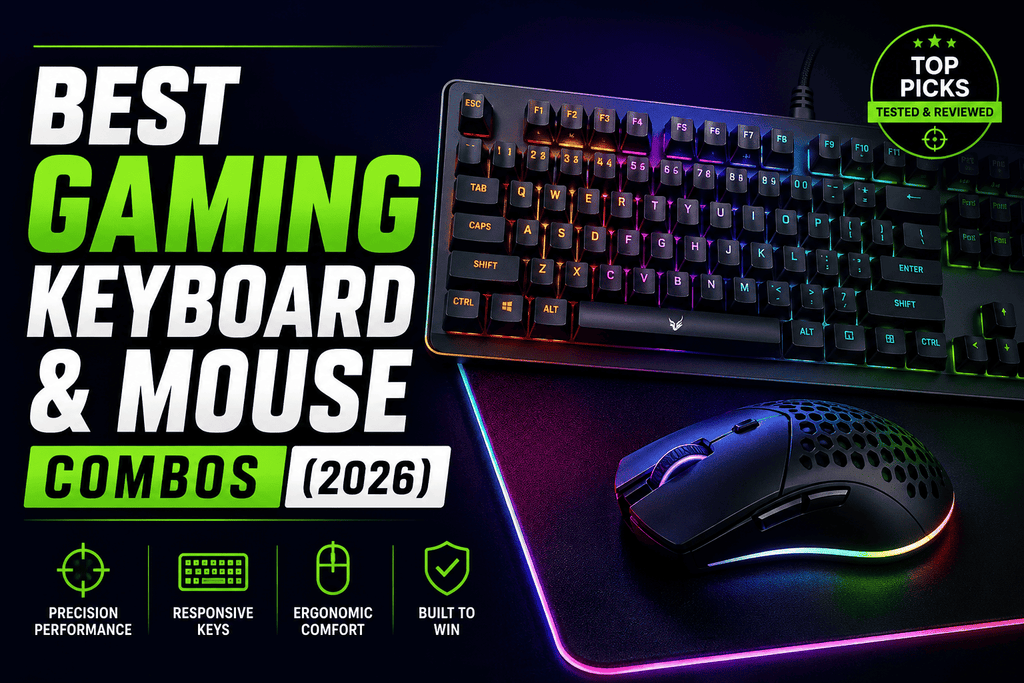
Best Gaming Keyboard and Mouse Combos (2026)
There is one main choice you need to make before you buy a game keyboard and mouse combo: do you want a matched set in one box, or do you want to buy the best keyboard and mouse separately and pair them yourself? Packs save money and make sure that the software and lights will work together. It costs more to buy them separately, but you can put your money where it will make the most difference in performance, which for competitive play is usually the mouse sensor.
This guide goes over both options, from starter bundles that cost less than $35 to high-end wireless setups that e-sports pros use.
Quick picks
- Best budget bundle: Redragon S101 (~$30)
- Best mechanical bundle under $100: ZIYOU LANG RK-T8PR0
- Best brand-backed bundle: MSI Forge GK110
- Best wireless upgrade pick: Logitech G915 TKL + G502 Lightspeed
- Best premium pairing: Logitech G Pro X 2 + SteelSeries Apex Pro
- Best for couch/living-room gaming: Razer Turret
Budget bundles (under $60)
A true one-box bundle is the best choice if this is your first gaming setup or if you just need something that works right out of the box.
If you want to spend less than $35, the Redragon S101 (about $30) is the best choice. It's been a best-seller for years: a full-size membrane keyboard with an integrated wrist rest, 25-key rollover, and 7 RGB lighting modes, paired with the M601 Centrophorus mouse, which has 3,200 DPI and weight tuning that can be changed, which isn't common at this price point.
If you want mechanical switches without paying mechanical prices, the ZIYOU LANG RK-T8PR0 is the best choice. It's the only mechanical keyboard and mouse combo in its price range. It has a small 65% layout (no number pad, arrow cluster is compressed), a braided USB-C cable, and tactile switches. It feels better to type on than membrane boards, but the switches aren't the fastest for competitive gaming.
If you want a well-known brand to back up your purchase, the MSI Forge GK110 is the best choice. It pairs quiet membrane keys and a dedicated volume roller with a 12,800 DPI mouse rated for 20 million clicks — a dependable, if unexciting, all-rounder.
At this price tier, nearly every bundle is a membrane keyboard paired with an optical mouse. The real differences come down to build quality, DPI ceiling, and whether you want wired or wireless.
Buying separately: keyboard and mouse picked for your game
Once you're past the budget tier, buying components separately starts to make more sense — especially because bundles almost always have one weak half, usually a mediocre mouse sensor riding along with a decent keyboard.
For FPS games: prioritize the mouse over the keyboard. A lightweight mouse with a precise sensor matters far more to your aim than which keyboard you're using. Look at something like the Logitech G Pro X 2, an ultra-light ambidextrous mouse built for competitive players.
For MMOs and strategy games: you want the opposite priority — a mouse with extra side buttons for ability rotations, paired with a keyboard that holds up under many simultaneous key presses. The Logitech G213 Prodigy is a solid keyboard choice here: its Mech-Dome keys mimic mechanical travel and actuation force, which helps when you're holding down multiple keys at once. It works with a Logitech mouse like the Katar Pro XT because they both use the same software. This software may have unified macros and RGB sync like iCUE.
For streaming or long sessions: comfort and per-key lighting for visual keybind cues matter more than raw sensor specs.
Wireless combos
Wireless gaming gear has closed the latency gap with wired setups. Modern 2.4GHz connections routinely deliver sub-1ms response times that competitive players now trust in tournament play, and most combos in this tier run 30–60+ hours per charge.
Logitech G915 TKL + G502 Lightspeed is the pick most US gamers should default to — strong performance without premium pricing, backed by Logitech's reliable warranty support.
Razer BlackWidow V3 Pro + DeathAdder V3 Pro is the premium-flex option. It runs Razer's HyperSpeed wireless (matching Logitech's Lightspeed for latency), Chroma RGB that syncs with other smart lighting like Philips Hue, and a choice of mechanical switch types on the keyboard.
Logitech MX Mechanical Combo (~$270) sits slightly outside pure gaming territory but deserves a mention if you split time between gaming and productivity work — it pairs a mechanical keyboard available in tactile, clicky, or linear switch options with the MX Master 3S, widely considered the best productivity mouse available.
Razer Turret is the one worth calling out for couch gaming: a tenkeyless mechanical keyboard with a magnetic slide-out mousepad built into the same lapboard, paired with a wireless Mamba mouse. If you're gaming from a couch rather than a desk, nothing else on this list solves that problem as elegantly.
How to choose
Run through these questions before you buy:
Bundle or separate? Bundle for convenience and guaranteed matching; separate if you're competitive and want to spend where it counts (usually the mouse).
Wired or wireless? Wired is simpler — no batteries, no latency questions. Wireless gives you a cleaner desk and works better for couch setups; modern wireless latency is no longer a real competitive disadvantage.
What do you play? FPS leans toward a lighter, more precise mouse. MMO and strategy games lean toward more mouse buttons and a keyboard that handles heavy simultaneous key presses.
Mechanical or membrane? Mechanical switches generally feel better and last longer, but membrane keyboards are lighter on the wallet and perfectly fine for casual play.
Upgrade path? If you buy a bundle now and want to upgrade later, you'll likely be replacing the whole set rather than just one half — worth factoring into whether you spend more up front on separates instead.
Whichever route you take, keep in mind that RGB lighting and software ecosystems are nice-to-haves, not performance features. Spend your money on the switch type, sensor quality, and comfort — that's what you'll actually feel during a long session.